
Find an agent
Find active partner agents near you in the app to top up or withdraw cash, then rate them after the operation.
- Where
- In the app only, once signed in; the website explains how but does not list agents
- Views
- List (default) and Map (second tab)
- Sorting
- Nearest first if location is on; otherwise by best rating
- Search
- By wilaya
- Details shown
- Shop name, address and wilaya, opening hours, daily capacity, rating and number of reviews, phone
- Capacity
- It is the daily capacity declared by the agent, not the cash available right now
Before you start
- Be signed in to the app: the agent list is not public.
- Allow location to sort agents by distance (otherwise, search by wilaya).
In the app, step by step
- 1
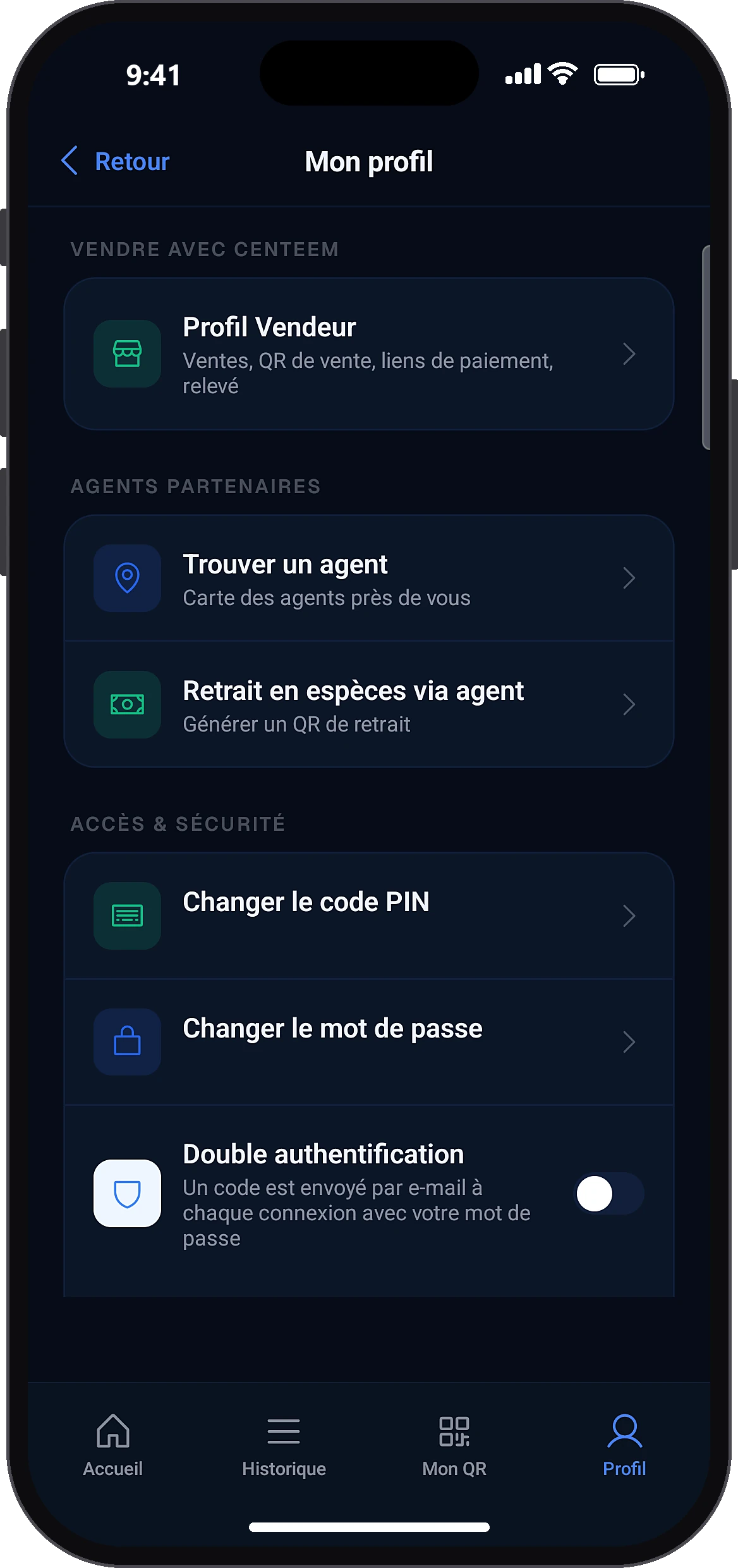
Open “Find an agent”
ProfileFind an agent
In the Profile tab, partner agents section, tap “Find an agent” (Personal and Tourist accounts). Another way: the find an agent near me button in Top up → Agent or Withdraw → Agent.
- 2
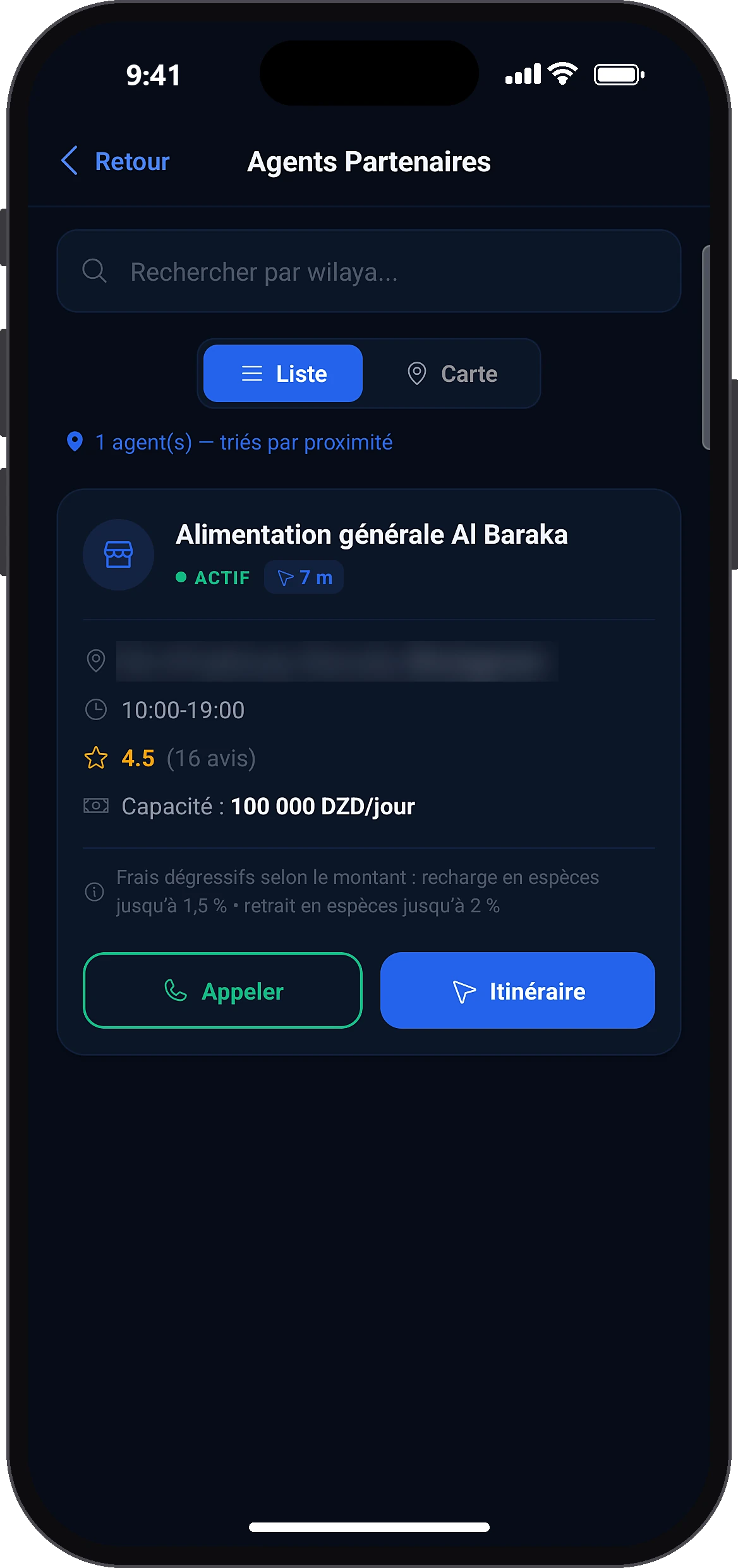
Browse the list or the map
ListMap
The screen opens in “List” view. Allow location to sort agents by distance, or type a wilaya in the search. Tap “Map” to see them on the map.
- 3
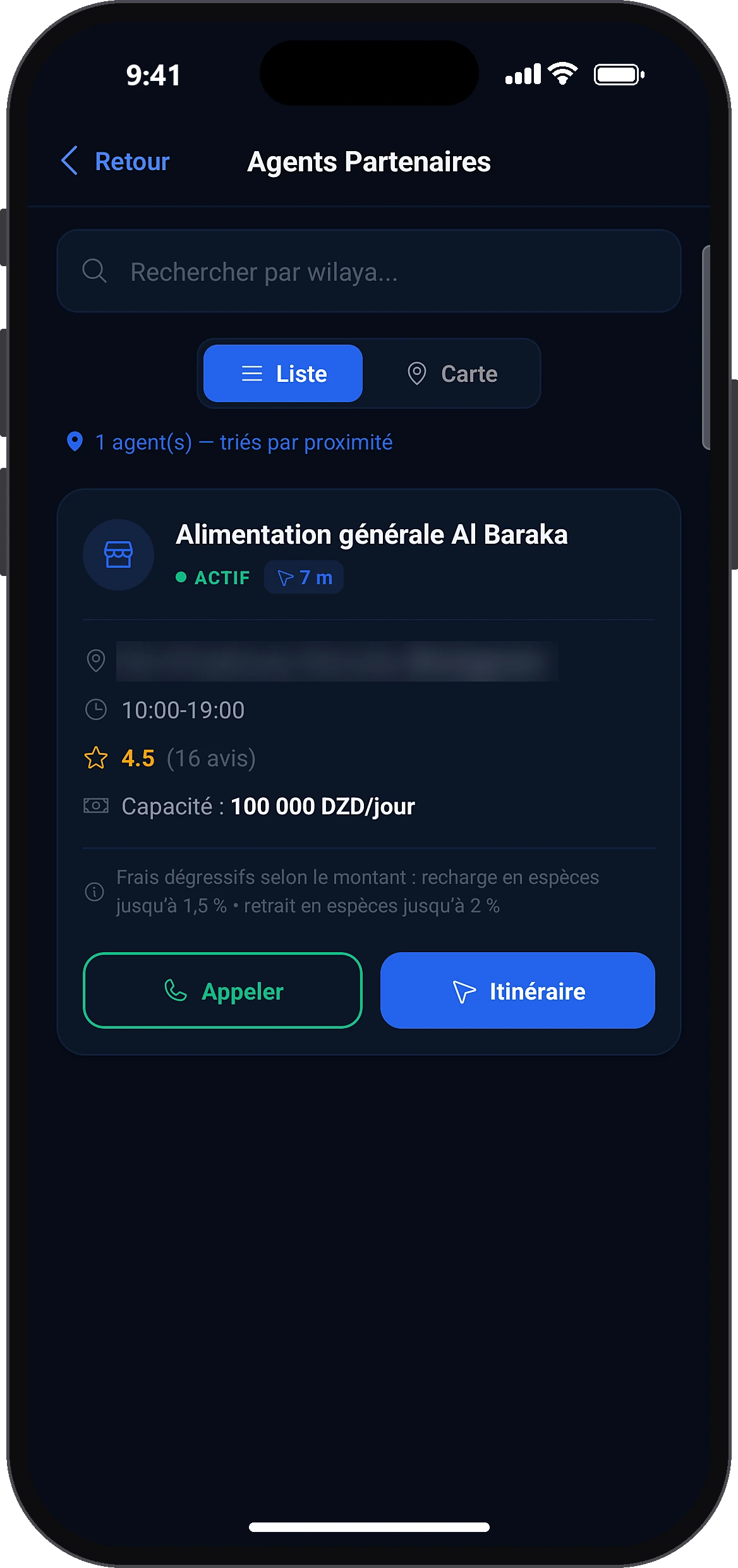
Contact the agent and go there
CallDirections
Each agent shows the address, wilaya, opening hours, daily capacity, rating and number of reviews. For a large amount, call before you go, then tap “Directions”.
- 4
Rate the agent after the operation
Send my rating
After a top-up or withdrawal at an agent, the rating screen opens by itself on the home screen. Choose 1 to 5 stars; with 3 stars or fewer, you can say what went wrong. Tap “Send my rating”, or skip it for later.
Common problems and solutions
“Turn on location to see nearby agents.”
Open the settings and allow location, or search by wilaya.
“No agent available in this wilaya.”
Try a nearby wilaya, or top up by BaridiMob transfer or by cash deposit at the post office.
“Unable to load agents.”
Check your internet connection, then pull the screen down to refresh.
Frequently asked questions
Go further
Still stuck? Our team will answer you.
Contact us