
Schedule a transfer
Schedule a one-off, weekly or monthly transfer to someone close: the money goes out on its own on the planned date. Free, for verified accounts.
- Fees
- Free, like a direct transfer
- Frequency
- Once, weekly (every 7 days) or monthly (same day; the 31st becomes the last day of shorter months)
- Run time
- Around 8 a.m., Algiers time. First run: tomorrow, in 3 days, 1 week, 2 weeks or 1 month
- Debit
- Nothing is taken when you create it: the money is debited at each run
- Security delay
- No 4 h or 24 h hold: you authorized it with your PIN
- Where to find it
- Home → Send → Schedule a transfer
Before you start
- Your identity is verified.
- You have created your PIN.
- You are online to create, pause, resume or cancel.
- The recipient has a Personal, Seller or Tourist account (not a Pro account).
In the app, step by step
- 1
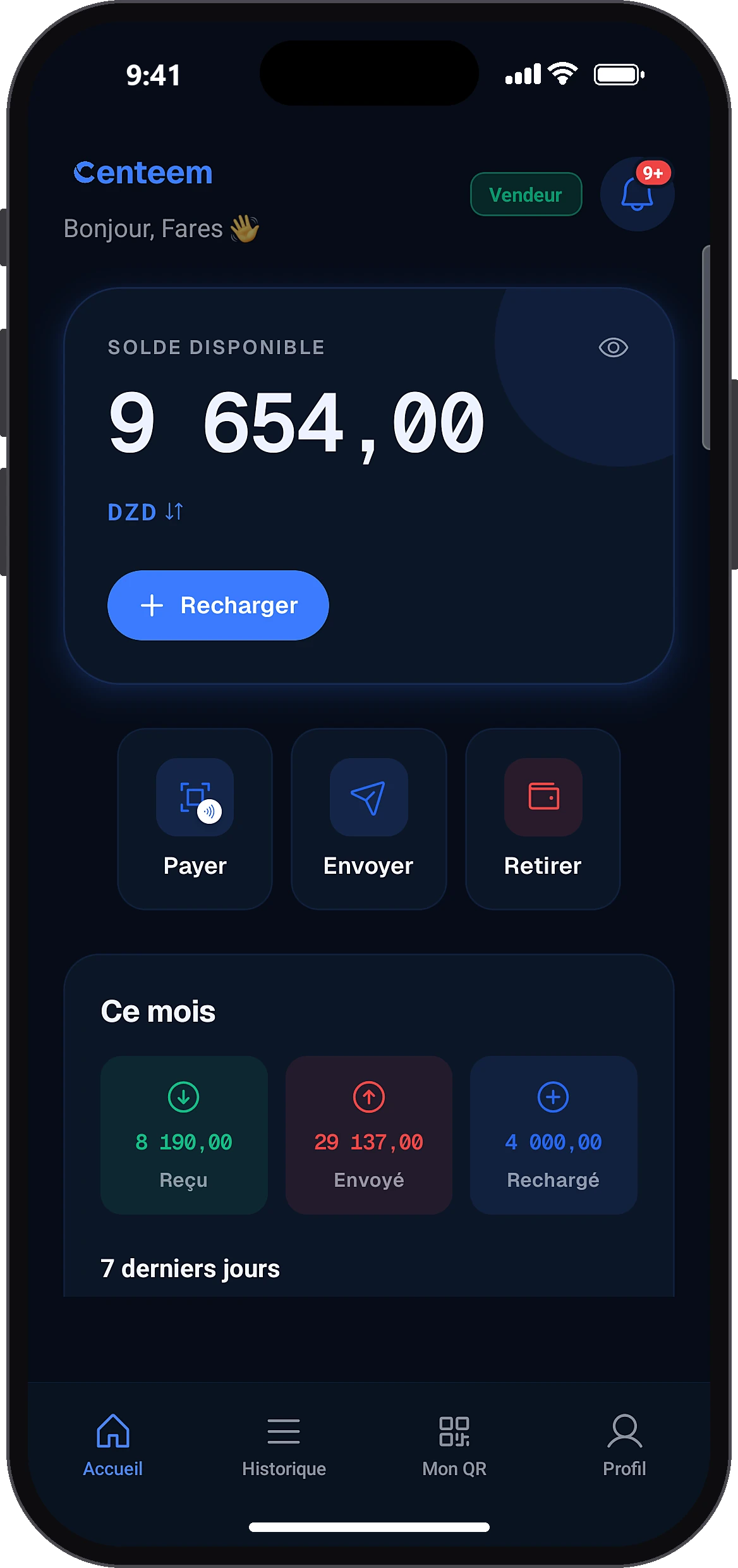
Tap “Send”
HomeSend
On the home screen, tap “Send”.
- 2
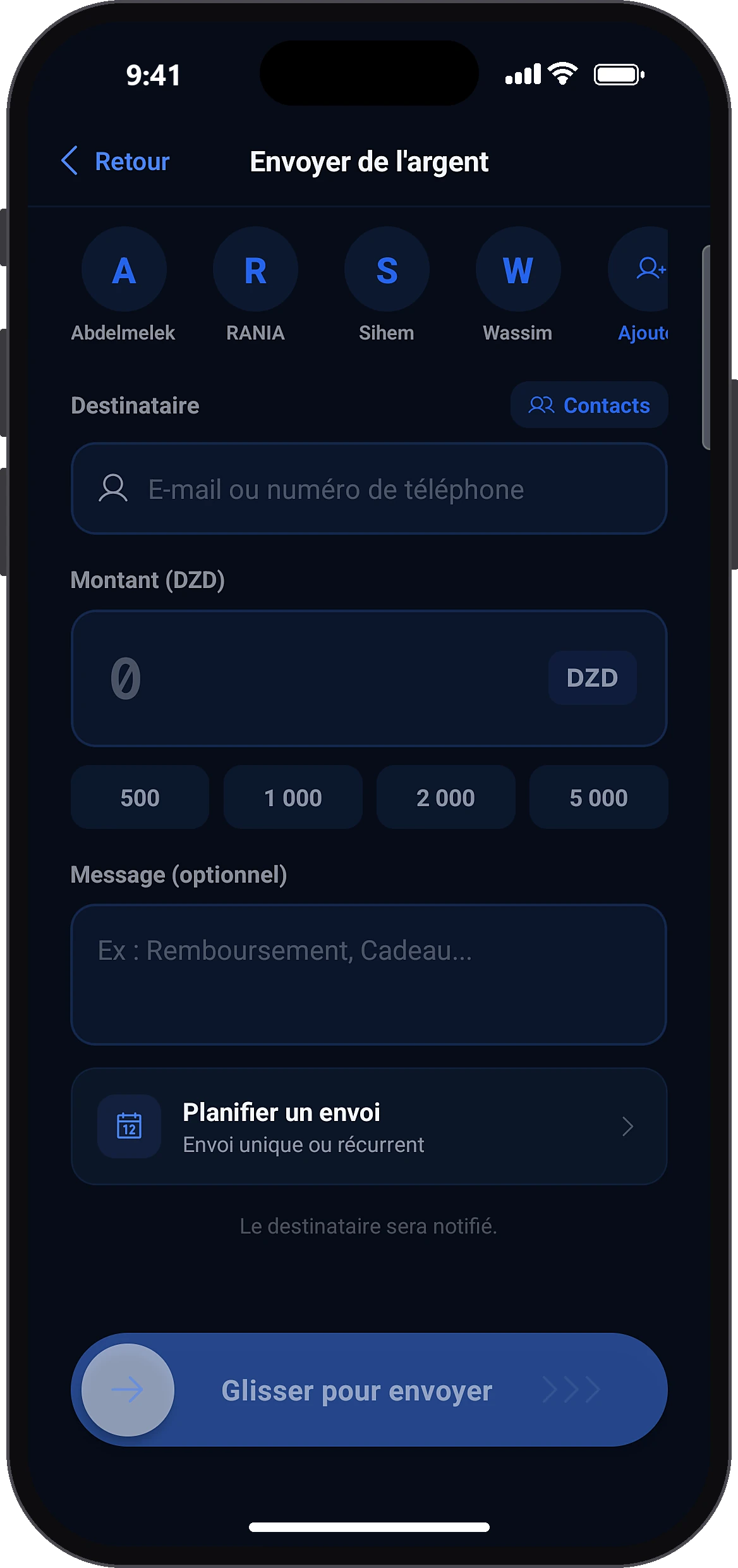
Open scheduled transfers
Send moneySchedule a transfer
Below the message field, tap “Schedule a transfer”.
- 3
Create a new transfer
Scheduled transfers
The “Scheduled transfers” screen lists your transfers with their status, next run and number of runs. Tap the + icon at the top right (or the button on the empty list).
- 4
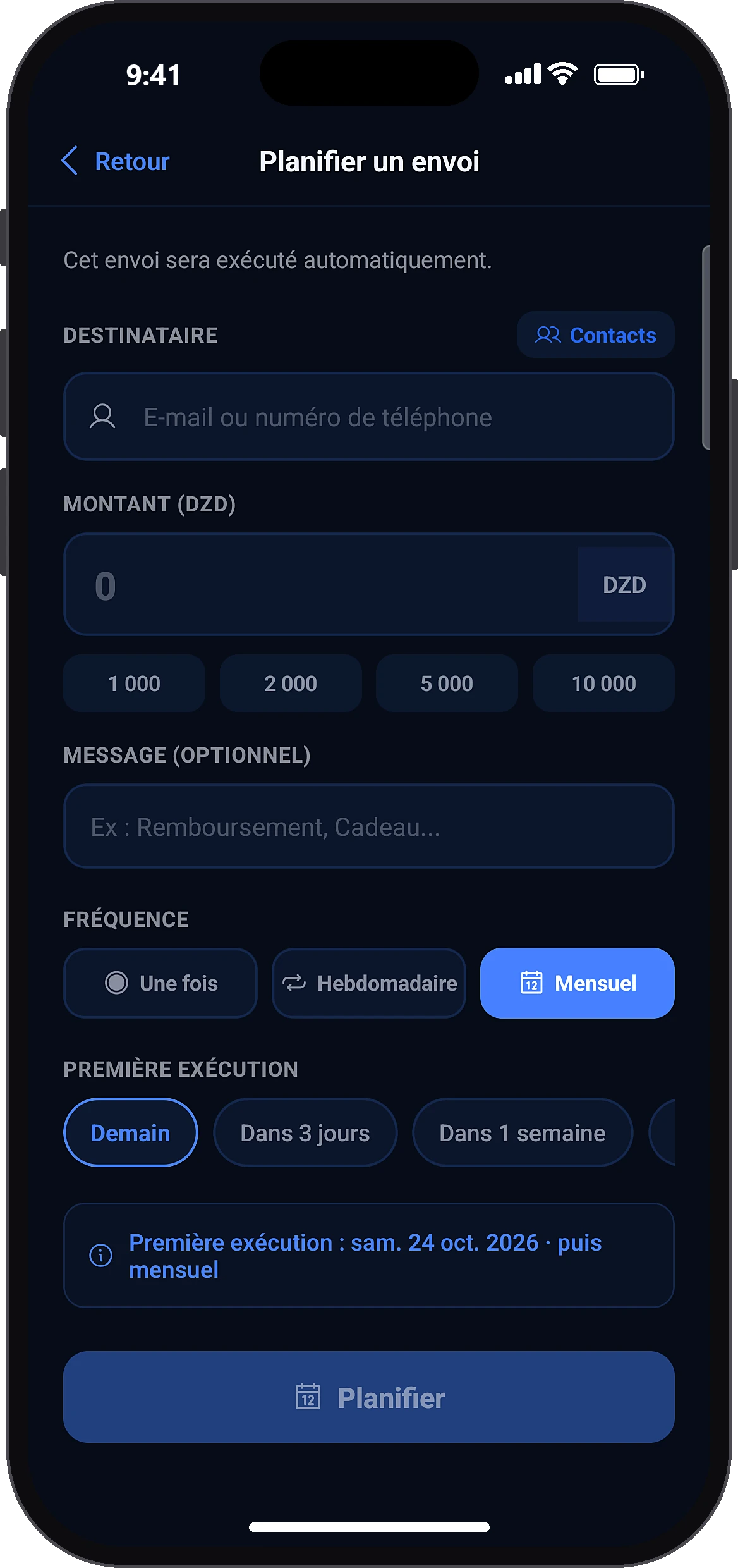
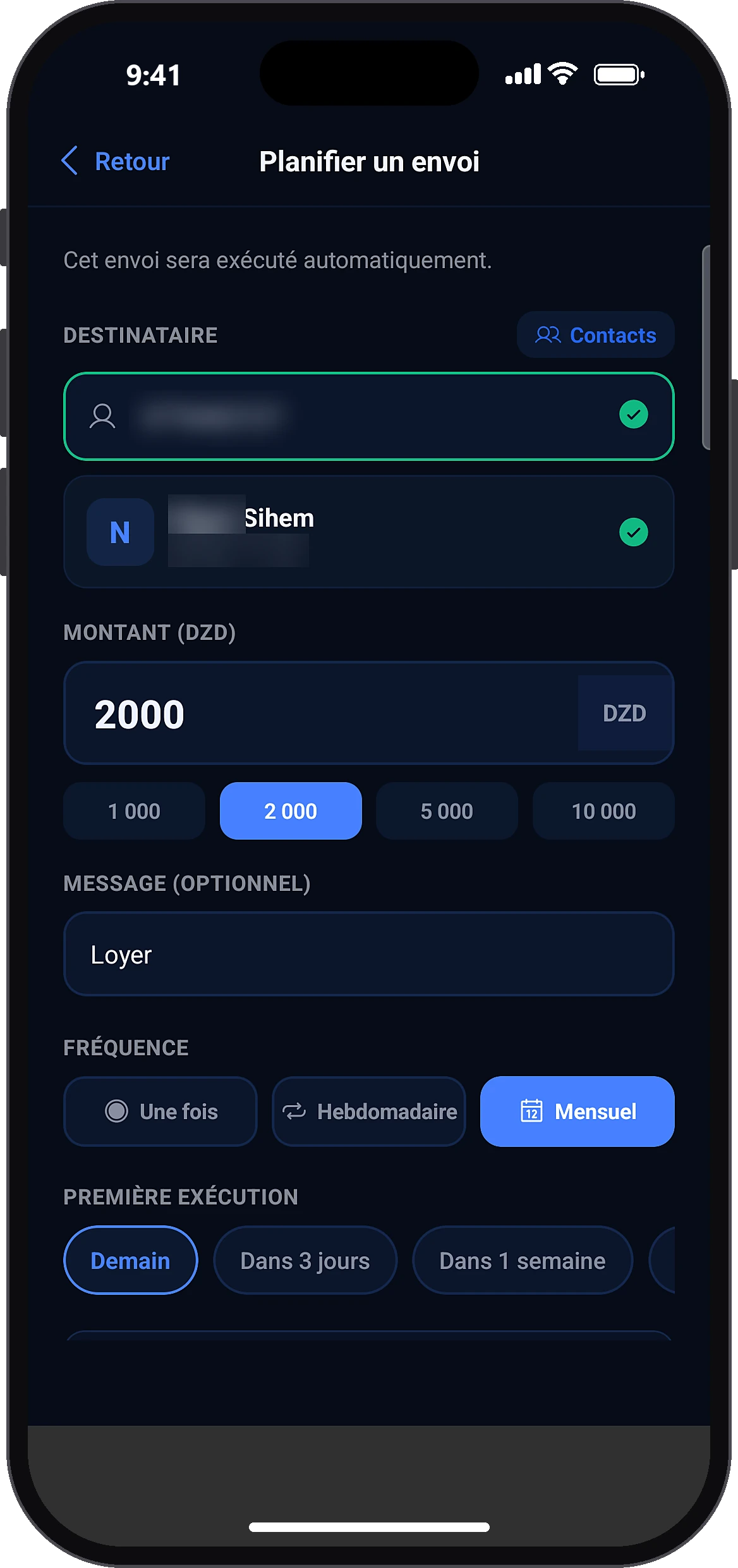
Fill in the transfer
Schedule a transfer
Enter the recipient (email or phone), the amount and a message if you like. Choose the frequency and the date of the first run. A summary shows the start date and then the rhythm.
- 5
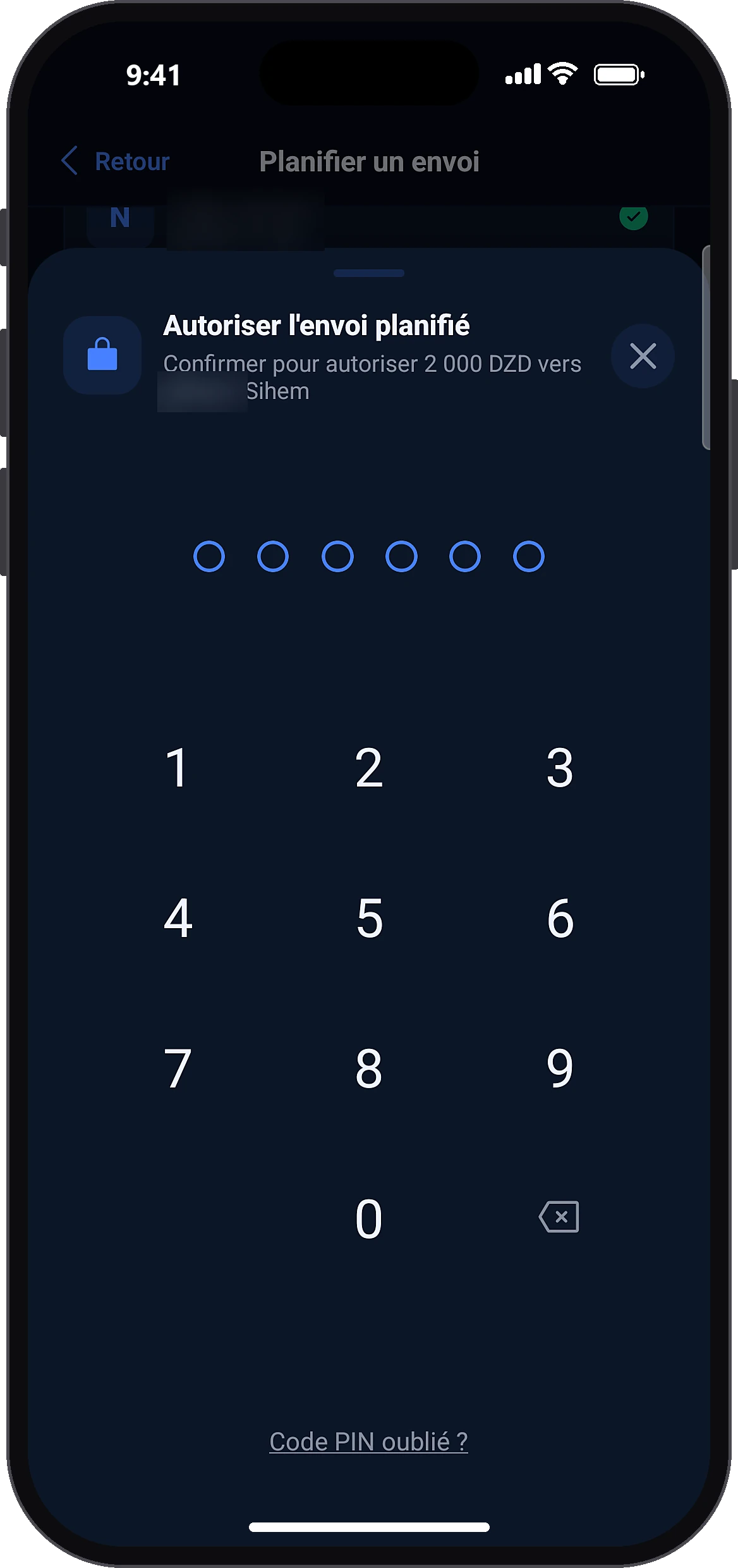
Confirm with your PIN
ScheduleAuthorize scheduled transfer
Tap “Schedule”, then authorize with your PIN. A success message confirms it.
- 6
Pause, resume or cancel
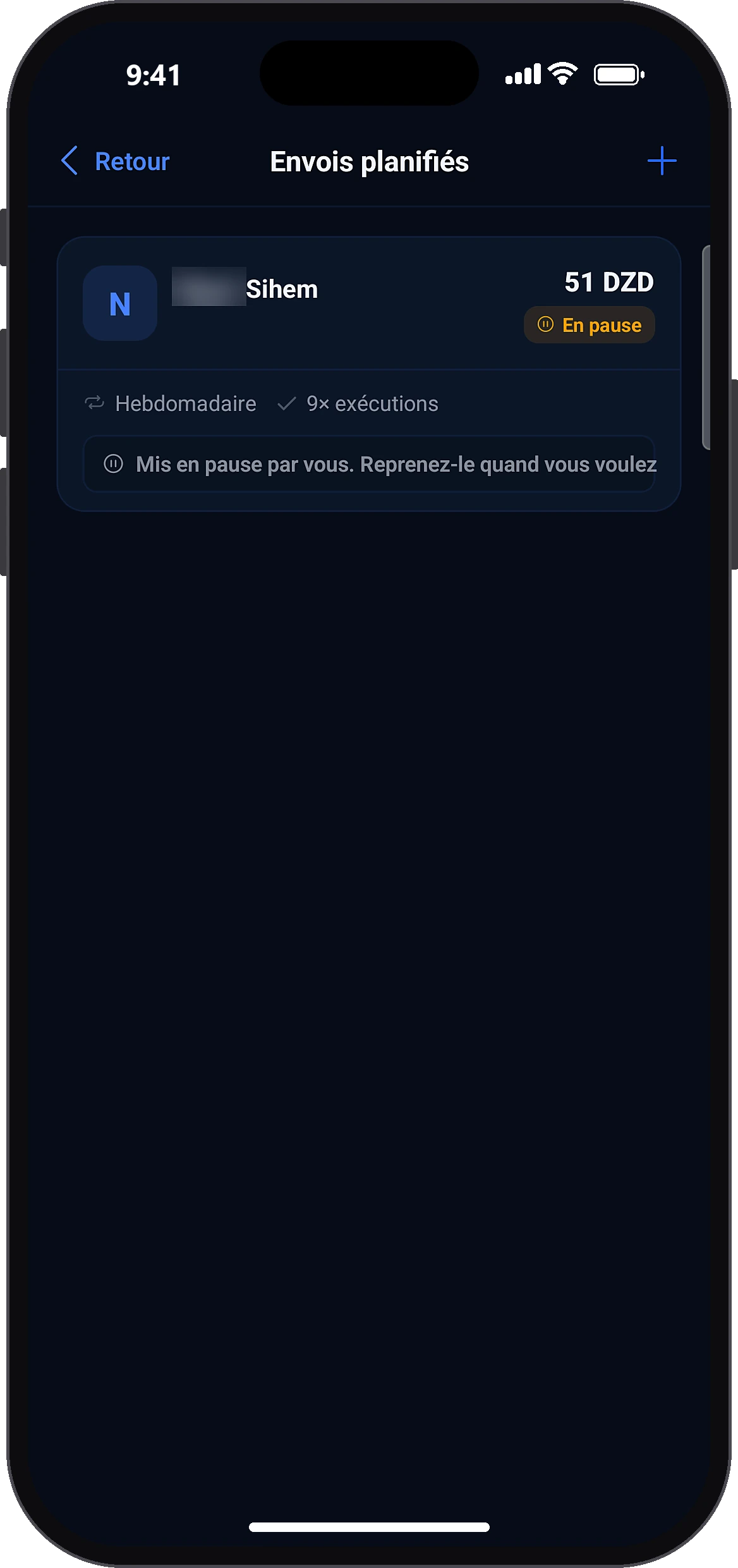
Scheduled transfersPause
On each transfer: “Pause” (no code), “Resume” (PIN required) or “Cancel this transfer” (final). A paused transfer shows the reason.
Common problems and solutions
“Insufficient balance at last run”
The transfer did not go out and was paused. Top up your account, then tap “Resume” (PIN).
“Transfer limit reached at last run”
Wait for the reset (midnight or the 1st of the month) then resume, or create the transfer again with a lower amount.
“The recipient reached their balance cap at last run”
Resume later. The recipient can also raise their level.
“Paused by Centeem, contact support”
Contact support.
“A business account does not receive direct transfers”
From a Personal or Tourist account, you cannot schedule a transfer to a Pro account: pay it with its collection QR or payment link. Between two Pro accounts, it is allowed (up to 100,000 DZD per recipient and 300,000 DZD per month).
“Could not load scheduled transfers.”
Check your connection and pull the list down to refresh it.
Frequently asked questions
Go further
Still stuck? Our team will answer you.
Contact us