
Contact support
A question or a problem? The bot answers right away, and an advisor replies in your ticket within 48 working hours, Sunday to Thursday.
- Where
- Profile → Support & help; also from the Security center and the blocked-transactions screen
- Instant answer
- Centeem Bot, with access to your account (balance, transactions, fees)
- Advisor
- Reply within 48 working hours (Sunday to Thursday, Algiers time), in the ticket
- support@centeem.com
- Fees
- Free
Before you start
- An Internet connection to write: offline, your tickets can still be read only.
In the app, step by step
- 1
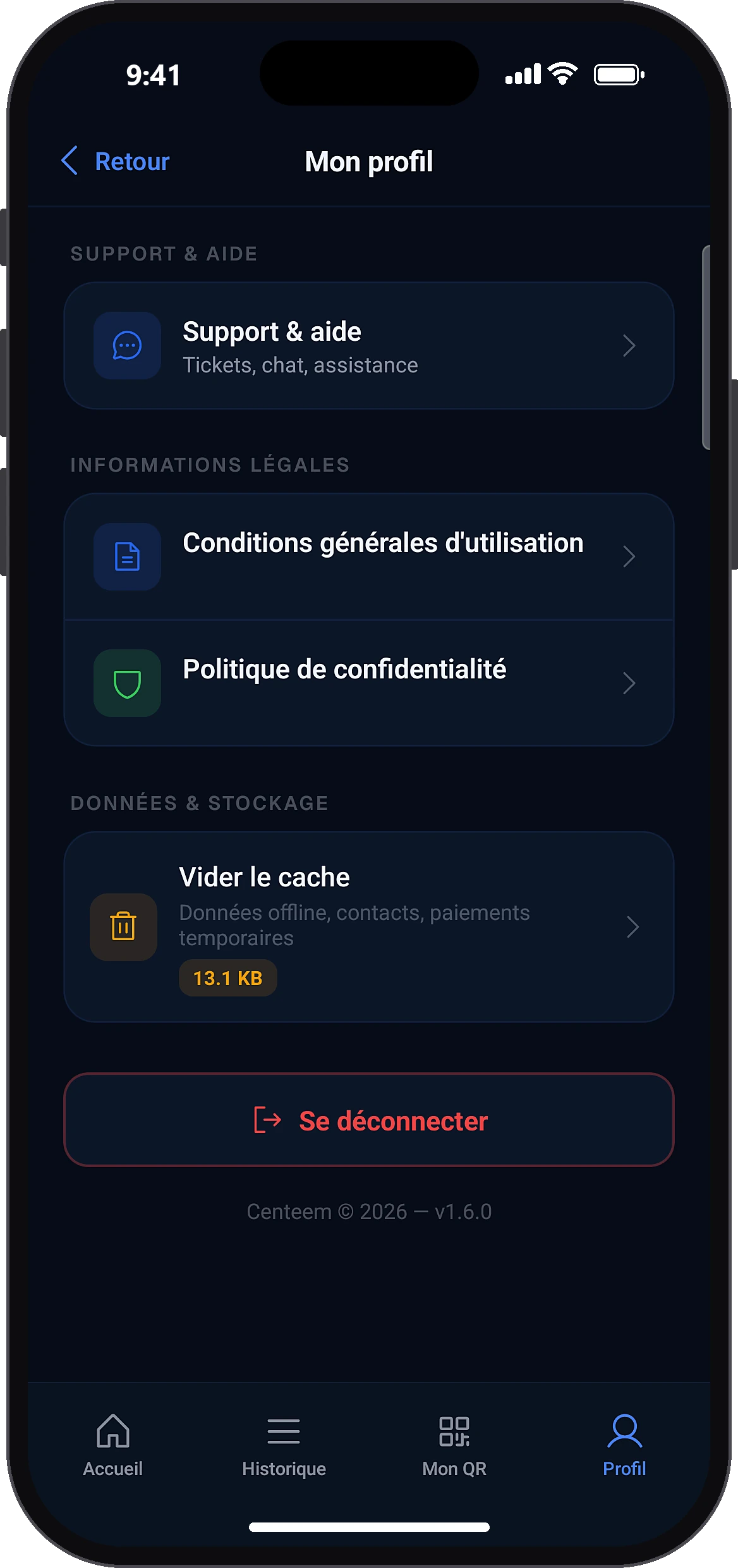
Open “Support & help”
ProfileSupport & help
In the Profile tab, in the support section, tap “Support & help”.
- 2
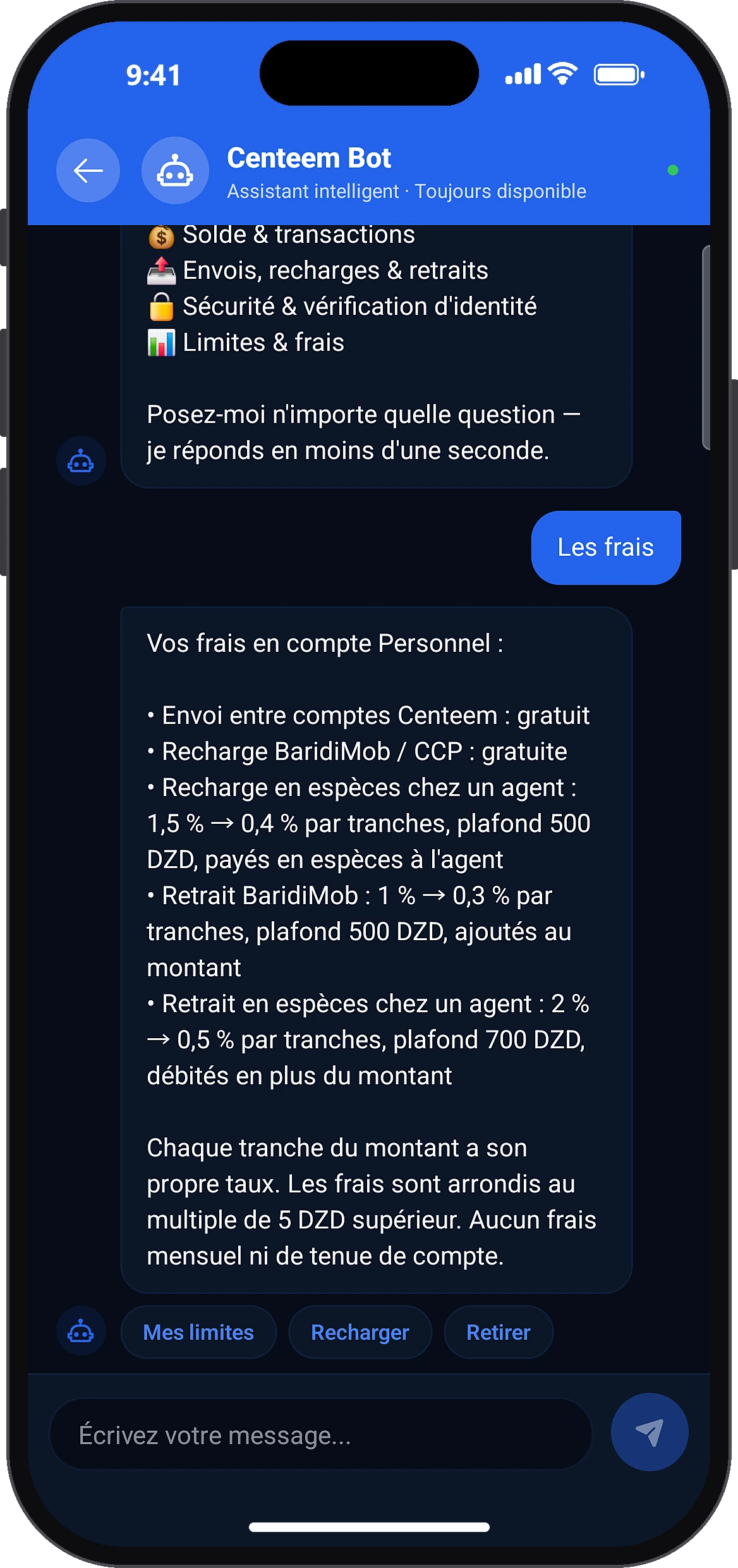
Ask the bot your question
Centeem Bot
For an instant answer, tap the “Centeem Bot” card. Further down you find your tickets and the buttons to report a problem or suggest an improvement.
- 3
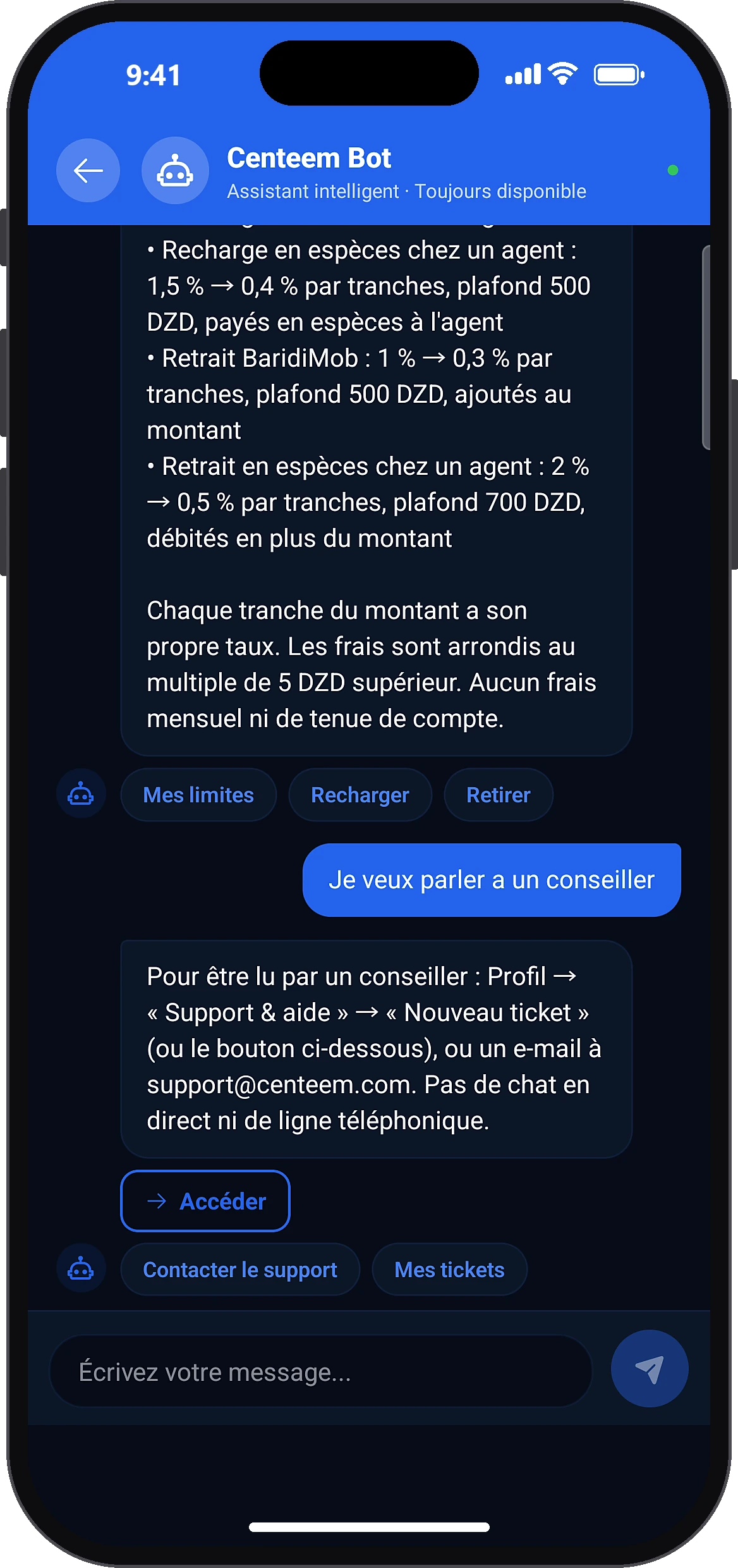
Switch to an advisor if needed
Contact support
Type your question or tap a suggestion (My balance, My transactions, Fees). The “Contact support” suggestion opens the new ticket form directly.
- 4
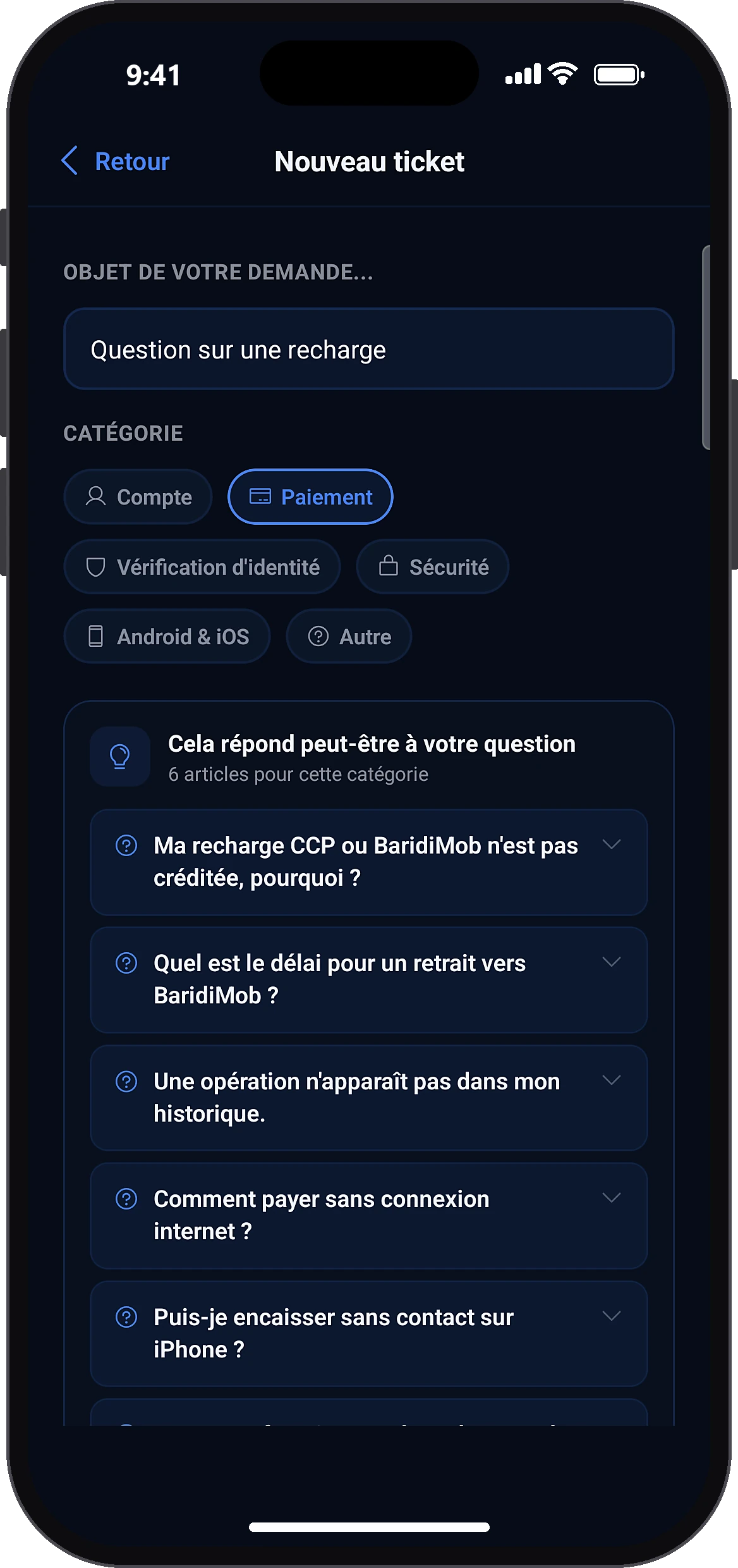
Create a ticket
New ticketCategoryÇa ne répond pas à mon problèmeSend
Tap “New ticket”. Write the subject, choose the category (Account, Payment, Identity check, Security, Android & iOS, Other) and read the suggested answers. If nothing fits, tap “Ça ne répond pas à mon problème”, describe the problem and tap “Send”.
- 5
Chat in the ticket
Your message...
A first automatic reply arrives right away, then an advisor replies here; a notification lets you know. You can add messages, and close the ticket once it is solved.
Common problems and solutions
“Please fill in all fields”
Fill in the subject and the description.
“Unable to send the message”
Check your Internet connection and send again.
“Unable to close the ticket”
Try again later.
The bot cannot answer me
Create a support ticket from the suggested button: an advisor will take over.
Frequently asked questions
Go further
Still stuck? Our team will answer you.
Contact us